If you are researching IPTV Australia, the most useful comparison begins with what you want to watch, where you will watch it and what the provider actually promises. An attractive channel count or a very low advertised price does not tell you whether a stream is available in Australia, whether your chosen device is supported or whether the provider can explain its distribution rights. Compare the full offer before you commit to a longer plan.
This guide focuses on purchase-intent questions: how to shortlist providers, understand subscription costs, assess HD or 4K claims, test compatibility and avoid surprises around renewals. Greadia currently lists €12 for one month, €25 for three months, €32 for six months and €55 for twelve months plus one extra month. These prices are shown in euros; Australian customers should confirm availability, the final currency, any conversion charges and the exact content included for their location on the pricing page before ordering.
Important: IPTV describes a delivery method, not proof that a service has permission to distribute particular channels, films or sporting events. Check the provider and the content rights relevant to your location.
What should IPTV Australia mean to a buyer?
IPTV is television or video delivered over an internet protocol network. Depending on the service, it may include live channels, catch-up features, a programme guide or video on demand. Those features are not universal, so avoid assuming that every service described as IPTV includes every function. Ask the provider to identify the parts included in the plan you are considering.
The phrase IPTV Australia can refer to a service marketed to Australian viewers, a search for local content or general research about internet television. These are different needs. If you need a specific Australian channel, a regional feed or a live sporting event, ask about that exact item and the period you intend to watch it. A logo on a marketing page does not prove availability in every subscription.
Australian households use a mix of smart TVs, streaming sticks, computers and mobile devices, so the first compatibility question is not simply whether a provider says “smart TV supported”. Ask which models or operating systems are supported, which app is needed and whether the same subscription can be used on more than one screen. If you are moving between home and travel, verify those conditions rather than assuming the plan works identically everywhere.
A location-focused IPTV Australia checklist should begin with the exact content you want, not a generic channel total. Confirm that the service accepts Australian customers and that the specific channels or programmes you expect are included for your location.

Check content rights and Australian availability
Before paying, ask the provider to explain the content it distributes and the basis on which it can make that content available in Australia. Rights for broadcast channels, films and sports can vary by territory, season and platform. A service may have a different selection in one country than in another, and a package description can change over time. Save the current channel list and written offer for your records.
Be cautious of offers that promise every premium channel, every pay-per-view event and a huge on-demand library for a price that seems disconnected from the claimed content, especially when the provider gives no clear information about rights or business identity. The delivery technology does not itself establish authorisation. A transparent provider should be able to explain limitations as well as features.
A product page may describe an app as free, but a free player is not the same thing as free access to television content. Identify the provider behind the subscription, the specific package and the rights for the programmes you plan to watch. This distinction also helps avoid installing unknown files that claim to unlock paid channels. Use official app stores where available and keep login details private.
For any IPTV Australia offer, ask how rights and regional restrictions affect the package you will receive. Keep the answer with the written plan details so that the final decision is based on the service offered to you, rather than assumptions from a global marketing page.
- Request a current channel or content list.
- Confirm geographic limits and any blackout conditions.
- Ask how the provider handles removed or unavailable content.
- Read the refund, complaint and support process before payment.
Compare the full subscription cost, not only the headline price
Compare like with like. A one-month subscription and a twelve-month prepaid plan do not carry the same commitment, even if a website displays a monthly equivalent for both. Check the final charge, billing currency, activation or payment fees, the plan end date, renewal method and cancellation conditions. An Australian bank or card may apply a conversion fee when a charge is made in another currency.
Greadia displays prices in euros on its pricing page, including different subscription durations. Do not assume the euro price is the final amount in Australian dollars. Before ordering, confirm the price that will be charged, any card or payment-provider fees and whether the plan is available for your location. Also confirm whether a trial is currently offered and what its exact duration and conditions are.
The NBN label covers different connection types and retail plans, and the speed you experience depends on your household setup as well as the service you select. Do not rely on one generic speed claim for every video format. Try playback when other people at home are online and note whether problems affect one app, one device or the entire connection. This can help distinguish a local Wi-Fi issue from a service-side problem.
When comparing IPTV Australia plans, include the whole prepaid amount in your budget and confirm the actual billing currency. A monthly equivalent can help with comparison, but it should not hide the amount that will be charged at the start of the subscription.
| Item to compare | What to confirm |
|---|---|
| Plan length | Exact start date, end date and renewal method |
| Total price | Final currency, transaction costs and prepaid amount |
| Included content | Specific channels, VOD features and local availability |
| Refund terms | Eligibility, request method and exclusions |
| Support | How to contact support and expected response process |
Check apps and compatible devices before buying
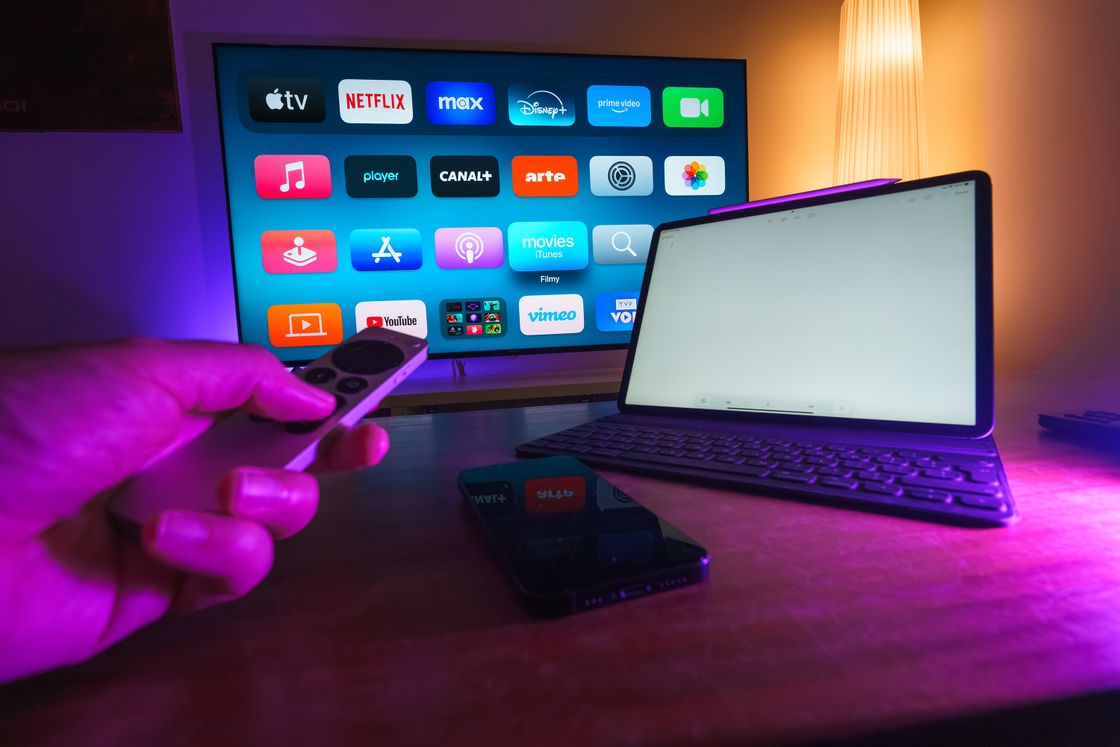
Common setups include smart TVs, Android TV devices, streaming sticks, Apple TV, Fire TV products, phones, tablets and computers. Support varies by model, operating system and app version, so ask for the exact compatible application rather than relying on a generic device logo. A player application may help present a playlist or login, but it does not itself supply a paid content package or establish the provider’s rights.
Use official app stores whenever possible and read the requested permissions before installing software. Be cautious of downloads sent through anonymous file-sharing links or requests to disable device security. If you already own a TV or streaming stick, check its model number and software version before subscribing. That simple step helps avoid buying an otherwise suitable plan that cannot be used conveniently on your existing setup.
Consider where the streaming device sits and how it connects. A television inside a cabinet, a router across the house or interference from nearby networks can reduce practical Wi-Fi performance. If the device supports Ethernet, testing a wired connection is a useful troubleshooting step. Restarting everything repeatedly may hide the cause, so record what changed and contact support with the device model and time of the issue.
Compatibility is another key part of choosing IPTV Australia: verify the device model, the player app and the login method together. A service can support a platform generally while still requiring a particular version or configuration on your own device.
Does NBN or home internet affect IPTV performance?
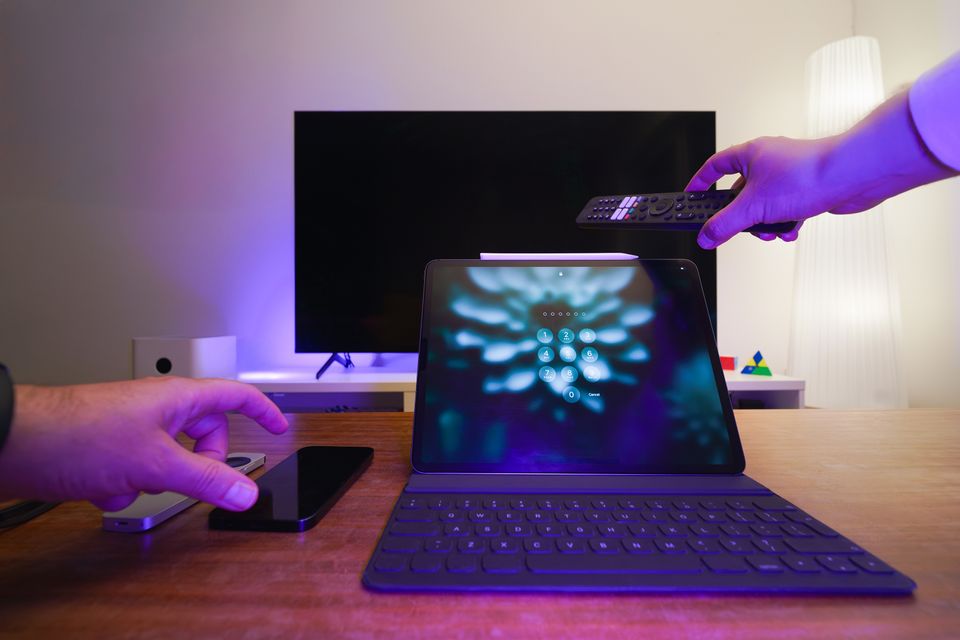
A stable home connection matters because streaming needs a continuous flow of data. Your experience depends on the source stream, device, Wi-Fi conditions, other household activity and the path between the service and your home. NBN plan speed is only one part of the picture. Congestion, weak Wi-Fi coverage or an older device can still cause buffering even when an internet plan advertises a high speed.
Test the connection in the room where you watch and at the times you normally use the TV. If possible, compare Wi-Fi with Ethernet and pause other large downloads during troubleshooting. Follow the provider’s stated network guidance instead of relying on a universal minimum, because requirements differ by resolution and stream. A responsible provider should explain how to diagnose playback issues without promising flawless performance on every network.
Before choosing a long subscription, confirm what happens when a provider removes a programme or changes a channel list. Ask how updates are communicated and which remedy is offered if a central feature no longer matches the written description. Do not assume that every package includes all regional feeds, every live match or all on-demand titles. A precise written answer is more useful than a broad promise.
Understand HD, Full HD and 4K claims
A 4K television can display an ultra-high-definition picture, but it cannot turn every HD source into native 4K. Actual resolution depends on the specific programme, source feed, codec, app, playback device and connection. Ask which content is supplied in 4K and whether that applies across the full catalogue or only to selected titles. Look for clear explanations instead of a single “4K” label applied to every stream.
During a trial, check the content you actually plan to watch. Look for stable playback, synchronised sound, readable programme information, subtitles where needed and sensible navigation. Test at different times if your household connection is busy in the evening. A brief successful playback test is useful, but it cannot guarantee how every channel will perform later; keep the provider’s troubleshooting and refund conditions accessible.
Australian viewers should also check the final billing currency and the payment method before ordering from an international service. A displayed price can be in euros or another currency, while a bank or payment service may apply conversion fees. Review the payment confirmation and renewal details carefully. If the provider offers a longer prepaid option, calculate the full commitment rather than relying only on its estimated monthly equivalent.
An IPTV Australia trial, when available, should be used to check your normal viewing setup and the programme types that matter to you. Confirm the test period and any restrictions first, then record whether picture, sound, navigation and support meet your requirements.
Use a trial and refund terms carefully
If a provider offers a trial, confirm whether it is free, how long access lasts, which features are included and whether a payment method is required. Ask whether the trial is limited to one device or simultaneous stream and what happens when it ends. Do not assume a trial automatically converts to a subscription or is available every day; check the written terms for the offer you receive.
A trial is most useful when you test against a short checklist: login, the channels you actually need, picture and sound quality, app stability, programme-guide information and customer support. If a problem occurs, record the device and time, contact support and follow the stated process. Read the refund policy before purchase so you know what counts as a technical failure and which deadlines or exclusions apply.
For quality checks, focus on the content and format you actually watch most. Observe how long the stream takes to start, whether sound stays in sync, whether the programme guide is readable and whether the app recovers from a brief pause. If you care about subtitles or alternate audio, test those functions too. A single brief test does not guarantee every future stream, but a written checklist makes the result more meaningful.
A simple checklist for comparing IPTV providers in Australia
Put two or three providers side by side and score them on the same criteria. Give priority to the information you can verify: content availability, transparent costs, compatible devices, support, and rights. Treat claims such as “all channels” or “no buffering” as marketing until the terms define what is included and what happens when service is unavailable.
You do not need the largest catalogue if it contains little of what you watch. You need a plan with a clear scope, an app that works on your device and terms that make sense for your budget. Before paying, verify the present offer and save the confirmation email or invoice. If any important detail remains vague, ask the provider to clarify it in writing rather than guessing.
If you are comparing IPTV Australia options, create a shortlist of no more than a few providers and use the same criteria for each one. Leave a question marked “unconfirmed” if you cannot find a clear answer. This is better than assuming that a missing detail is included. You can then contact support with focused questions and decide whether the actual offer fits your needs and budget.
Before selecting an IPTV Australia provider, make sure you can explain the offer in one sentence: what is included, how long access lasts, what it costs and how you get help. If one of those details is unclear, ask for a direct answer before paying.
Een goede keuze voor IPTV Australia moet passen bij jouw kijkgewoonten en de voorwaarden die je vooraf kunt bevestigen. Gebruik de checklist om te controleren of locatie, content, prijs, apparaat en ondersteuning duidelijk zijn voordat je een langere periode betaalt.
- Confirm that your location is supported.
- Check the exact content and availability.
- Compare total cost in the final payment currency.
- Confirm device, app and simultaneous-stream limits.
- Read trial, refund and renewal conditions.
Questions to ask support before you order
A useful support conversation should produce specific answers rather than broad reassurances. Ask whether your location is accepted, which device and app are supported, which package contains the content you need and where to read the complete terms. If the provider cannot confirm a detail immediately, ask when and how it can be confirmed. Do not interpret silence as a guarantee that a feature is included.
Keep copies of the written offer, final payment amount and support response. This is particularly useful when comparing an international service with Australian payment methods and a local home-network setup. Review the offer again just before ordering, because a plan page or trial option may have changed since you first researched it. A documented answer is more useful than an assumption based on a search snippet.
Frequently Asked Questions
How do I choose IPTV in Australia?
Compare exact content availability, rights, total subscription cost, supported devices, support, and trial or refund terms. Confirm the service is available for your location before paying.
Does IPTV work over NBN?
IPTV can work over an internet connection, but the experience depends on the stream, device, home network, Wi-Fi conditions and household usage. Check the provider’s actual network guidance.
Is every IPTV Australia plan available in 4K?
No. Resolution depends on the particular content and source. Ask which programmes are genuinely available in 4K and test them on your own device when possible.
Is an IPTV app the same as an IPTV subscription?
No. An app can act as a player, but it does not automatically provide channels or content rights. Confirm which provider supplies the service and credentials.
What should I check before paying for a long plan?
Confirm the full charge, currency, plan period, content list, renewal method, compatible devices, support channel and the written refund policy.
Conclusion: choose verified value over big claims
A useful IPTV Australia comparison starts with the content you want and the conditions you can verify. Confirm rights, regional availability, price, devices, network requirements and support before taking a longer plan. View Greadia’s current plans or contact the team to ask about the current offer and suitability for your location.