Smart TV
Identify the television brand, model and operating-system version. App availability differs across manufacturers and model years, so do not assume that every Smart TV supports the same player.
Before choosing an IPTV subscription, make sure your television, streaming device and player can work together. Greadia can help you check the setup requirements for your exact model.
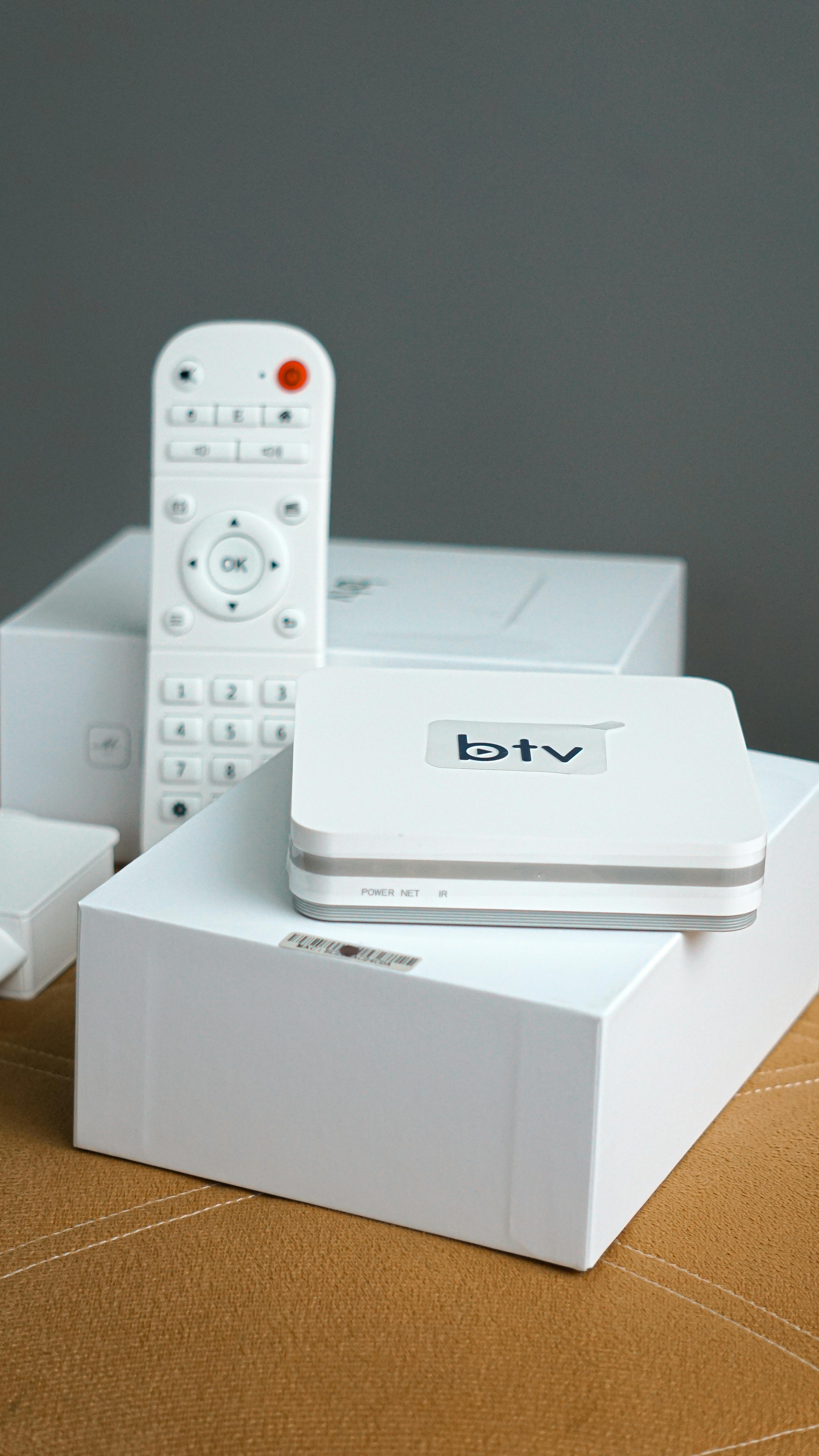
An IPTV subscription and an IPTV app do different jobs. The subscription provides account access to a service, while the app or player is the software used to open compatible streams on a television, phone, tablet or streaming box. Installing a player does not automatically provide channels or a subscription.
Greadia sells subscription plans and offers setup guidance. It does not sell Smart TVs, Fire TV sticks, Android TV boxes or third-party player applications on this page. Device support varies by model, region, operating-system version and the player available for that platform.
Identify the television brand, model and operating-system version. App availability differs across manufacturers and model years, so do not assume that every Smart TV supports the same player.
Check the exact Fire TV model, available app source and remote-control navigation. Install applications only from trusted, official sources and review the app publisher before granting permissions.
Confirm whether the device runs Android TV or Google TV rather than a phone-only Android version. A television interface may require a remote-friendly app build.
Support and player options can vary. Send the full model number and firmware version to support before purchasing a subscription or additional hardware.
The provider supplies the account access and content, subject to its terms and distribution permissions.
The app is the interface that connects to the service using supported account details or playlist information. It may include favourites, an electronic programme guide or search, depending on the app.
A box is a hardware device connected to a television. It does not automatically include a subscription or rights to any channel.
A popular player name, a free app or a public M3U playlist does not prove that a service is authorised to distribute content. Confirm both the software source and the service provider.
Write down the device model, operating system and software version. A product family name alone may not be specific enough.
Ask which player is compatible and where to obtain it from an official app store or publisher.
Confirm the number of devices that can connect simultaneously and whether a multi-device option is required.
Use reliable Wi-Fi or Ethernet where available. Keep the device updated and avoid sharing login credentials in public messages.
Follow the provider's official instructions and retain the order confirmation and current service terms.
Open the Greadia pricing page to compare plan duration and device options. Do not purchase hardware just because a page uses the phrase IPTV box.
Share your exact model and country, and ask whether the device and intended player are supported. Confirm trial availability, price and terms first.
Not by itself. An IPTV app is player software. The service provider and the access rights determine what content, if any, can be viewed.
Compatibility depends on the Fire TV model, available player and current setup instructions. Send the exact model to Greadia support for confirmation before subscribing.
No. App stores and supported formats vary by television brand, model and operating system. Check the exact device and use trusted software sources.
Not always. A compatible Smart TV or streaming device may be sufficient. Confirm your current hardware before buying another box.
That depends on the connection allowance of the selected plan. Confirm the exact simultaneous-connection limit and any device discount before paying.
Compare current plans, confirm the content and device you need, and ask Greadia support about availability in your location.